




How to Set Up Fluent Forms Email Notifications Properly
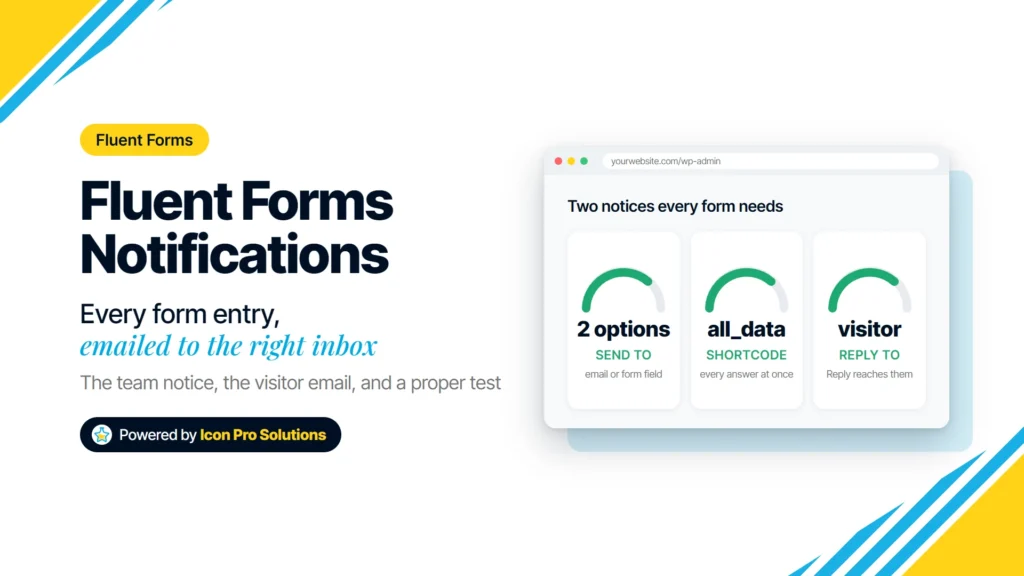
Two notices every form needs: one to your team with Reply To set to the visitor, one to the visitor. Fluent Forms email notifications are the emails a form sends after each entry: one to your team, and usually one to the person who filled the form in. A handful of fields in each form’s settings […]
How to Change the Colors of Every Fluent Forms Message
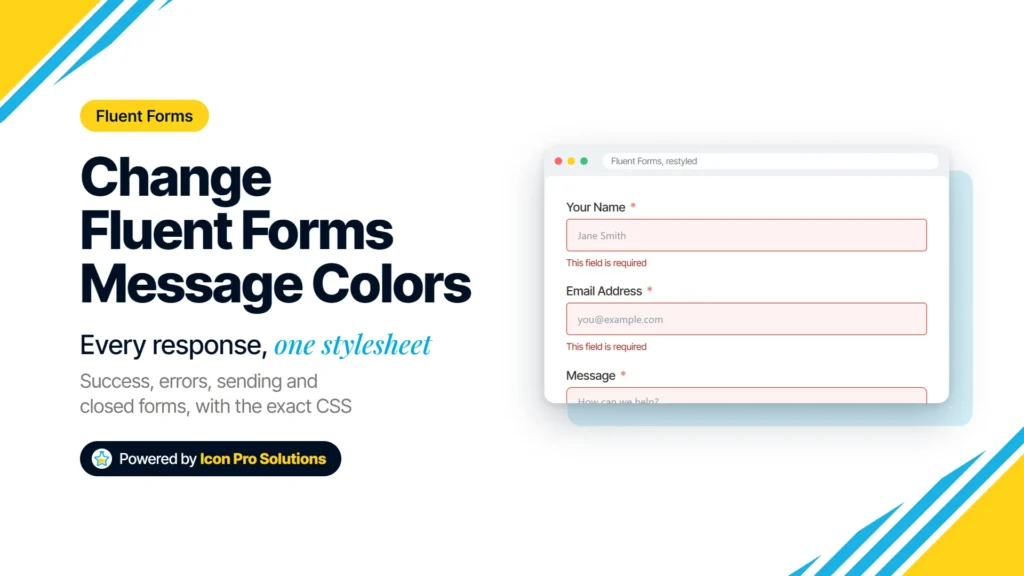
The same Fluent Forms form with its error messages restyled by the CSS in this guide. Fluent Forms shows your visitor a message after almost every click on Submit: a thank-you note, a red line under a missed field, a list of errors, a grayed-out button while it sends, or a notice that the form is […]
How to Get Hired at a Digital Agency: What We Actually Look For

The six steps of our hiring process, from the application form to onboarding. To get hired at a digital agency, show real work, show that you learn fast, and show that you take feedback well. Agencies change tools and clients all the time, so how you work often counts as much as what you already know. This […]
How to Set Up WordPress SMTP With Gmail Using FluentSMTP
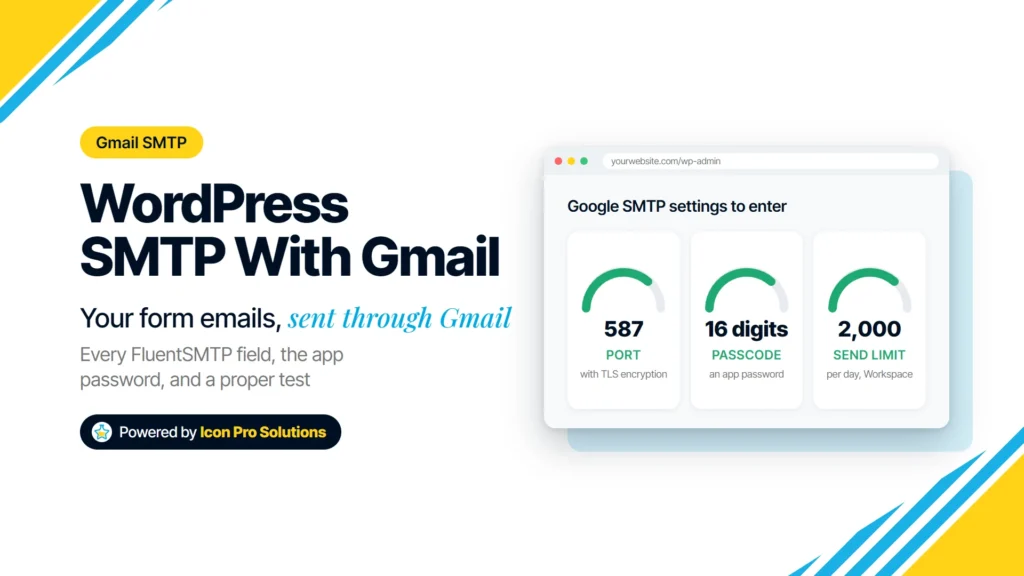
The Google side comes first: 2-Step Verification, an app password, and a From address Google will send as. If you want to set up WordPress SMTP with Gmail, most of the work happens on the Google side, not in WordPress. You need the right account, 2-Step Verification, an app password, and a From address that Google […]
How to Make a PDF Smaller to Email It
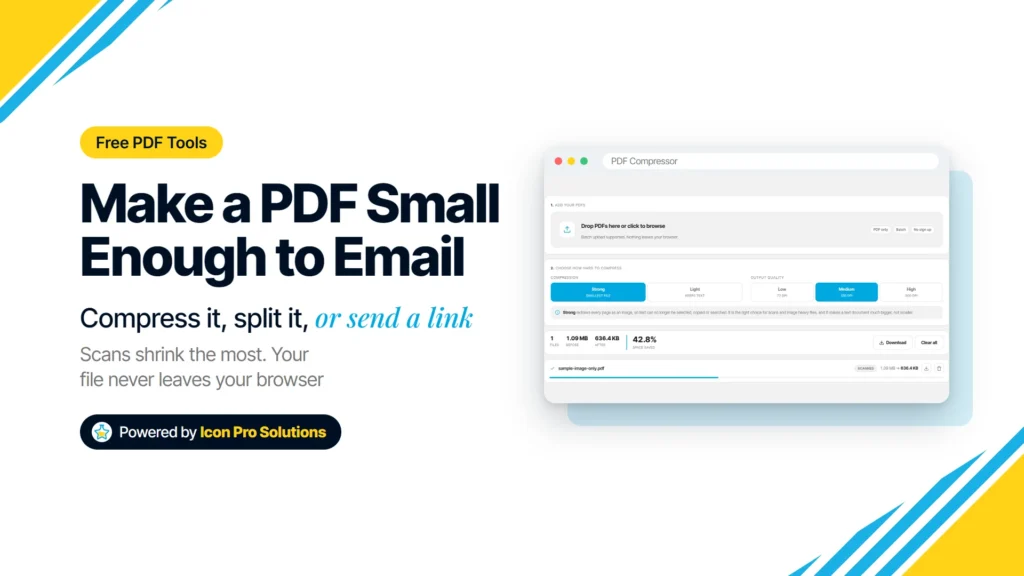
The PDF Compressor on an image-only sample PDF, Strong mode at Medium quality. Your email app refused the attachment, or the message bounced back an hour later. The usual fix is to make the PDF smaller, but the right method depends on what is inside it: a scan can shrink a lot, while a typed document […]
CSS Flexbox: A Complete Guide With Live Examples
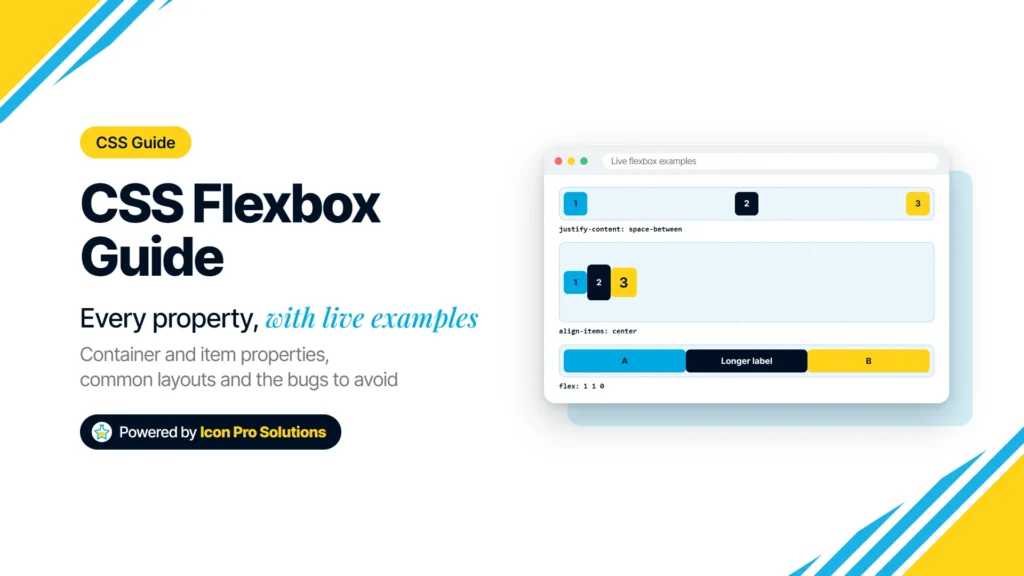
Three of the live flexbox examples from this guide: justify-content, align-items and flex: 1. CSS flexbox is the layout tool for putting things in a row or a column and controlling how they share the space. It handles alignment, spacing, reordering and wrapping with a few properties, and every current browser supports it. This guide covers every […]
How to Choose a Web Design Agency: What to Check Before You Sign
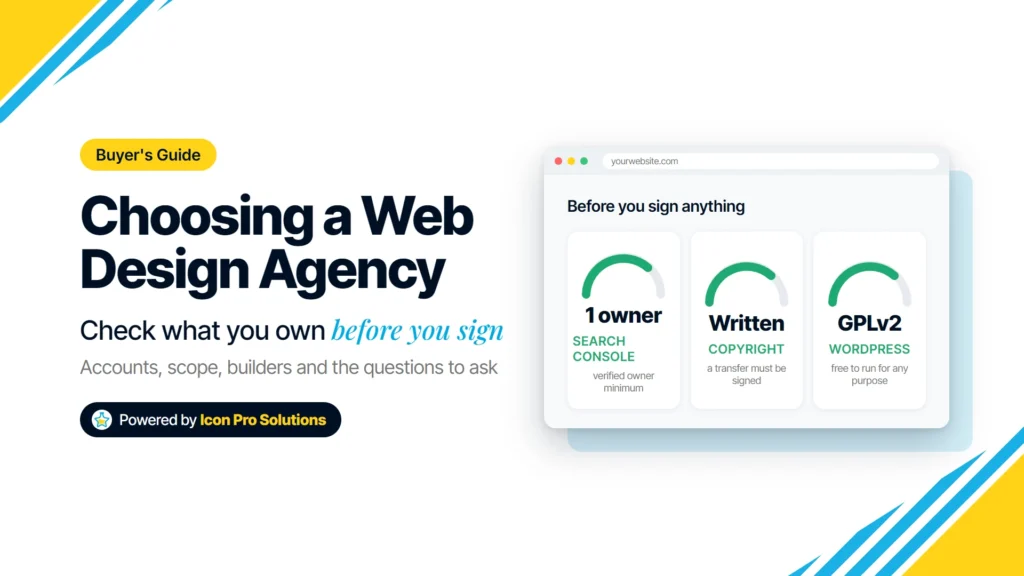
Ownership, a written scope, who builds the site and what happens after launch matter more than the portfolio. Knowing how to choose a web design agency comes down to what you check before you sign: who owns the accounts and the code, what the written scope covers, who builds the site, and what happens after launch. […]
How to Use CSS clamp() for Fluid Typography
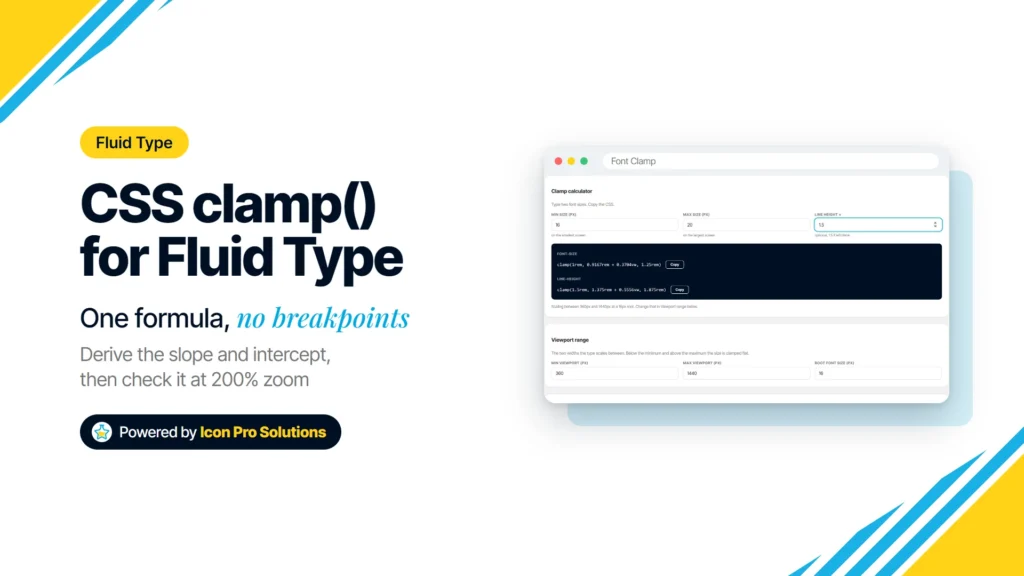
The Font Clamp calculator: 16px at 360px to 20px at 1440px. Fluid typography means text that grows smoothly with the screen instead of jumping at breakpoints. In CSS, one clamp() declaration can do it: a smallest size, a size that tracks the viewport width, and a largest size. This guide covers what clamp() does, how to work […]
How to Make a WordPress Site Accessible: A Practical Checklist
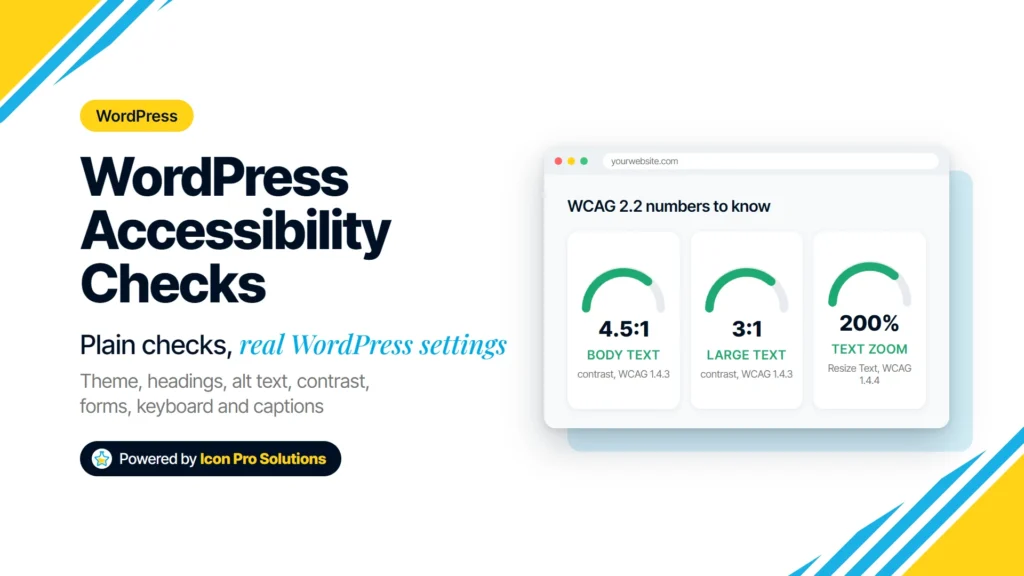
Theme, headings, alt text, contrast, links, forms, keyboard and captions, each checked against a WCAG 2.2 success criterion. To make a WordPress site accessible, check the parts that most often stop people from using it: the theme, headings, alt text, color contrast, link text, forms, keyboard access and video captions. Each check below names the WordPress […]
Title Case Rules: Which Words to Capitalize in a Title
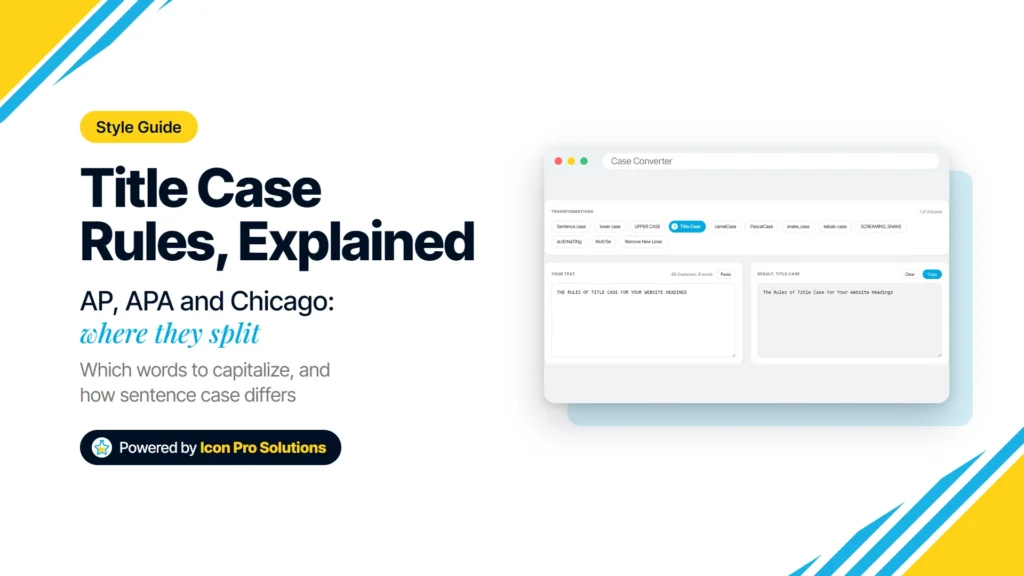
The Case Converter’s Title Case on a sample heading. Title case capitalizes the important words in a title and leaves a short list of small words lowercase. The trouble is that AP, APA and Chicago do not agree on exactly which small words belong on that list. This guide covers where the styles agree, where they split, […]