A QR code on a flyer, a box or a window sign is easy to print and hard to measure. Without tracking, every visit it brings in looks like someone typed your address by hand, so you cannot tell whether the flyer worked.
You do not need a paid QR service to fix that. This guide shows how to track QR code scans for free with a static code, a tagged link and Google Analytics 4, and it is honest about what that method cannot count.
Key Takeaways
- A static QR code that points at a URL with UTM parameters makes every visit it sends show up in GA4 under your campaign name, at no cost.
- Build the link with
utm_source,utm_mediumandutm_campaign, all lowercase, and give each placement its ownutm_contentso a flyer and a poster report separately. - This counts visits that load your page with GA4 running, not raw scans, and GA4 has to be installed on the page the code opens.
- A static code cannot be re-pointed after printing, so test it before the print run, or point it at a short path on your own site that you can redirect later.
- With a medium such as
offline, expect the visits under Unassigned in channel reports, and read them by source, medium or campaign instead.
Can You Track QR Code Scans for Free?
Yes: point a static QR code at a URL tagged with UTM campaign parameters, and Google Analytics records each visit it sends. Google’s own help page on campaign URLs describes the mechanism: “When a user clicks a referral link, the URL parameters are sent to Analytics, and the parameter values are visible in the Traffic acquisition report.”
A scan works the same way as a click. The phone opens the tagged URL, your page loads, and GA4 reads the parameters from the address.
Static vs Dynamic QR Codes: What Is the Difference?
A static QR code stores the destination itself in the pattern, while a dynamic code stores a short link on a service’s server that then redirects to your page. That one difference decides what each can do.
| Static QR code | Dynamic QR code | |
|---|---|---|
| What the pattern holds | Your full URL | A short link owned by the service |
| Change the destination after printing | No | Yes, while the service keeps the link live |
| Scan counts | Only through your own analytics | Usually in the service’s dashboard |
| Depends on a third party | No | Yes |
| Cost | Free | An account with the service, often paid |
The free method in this guide uses a static code. You give up re-pointing, and in exchange nothing sits between your printed code and your page.
Do QR Codes Expire?
A static QR code does not expire, because there is nothing behind it to switch off. It works for as long as the page it points to is live.
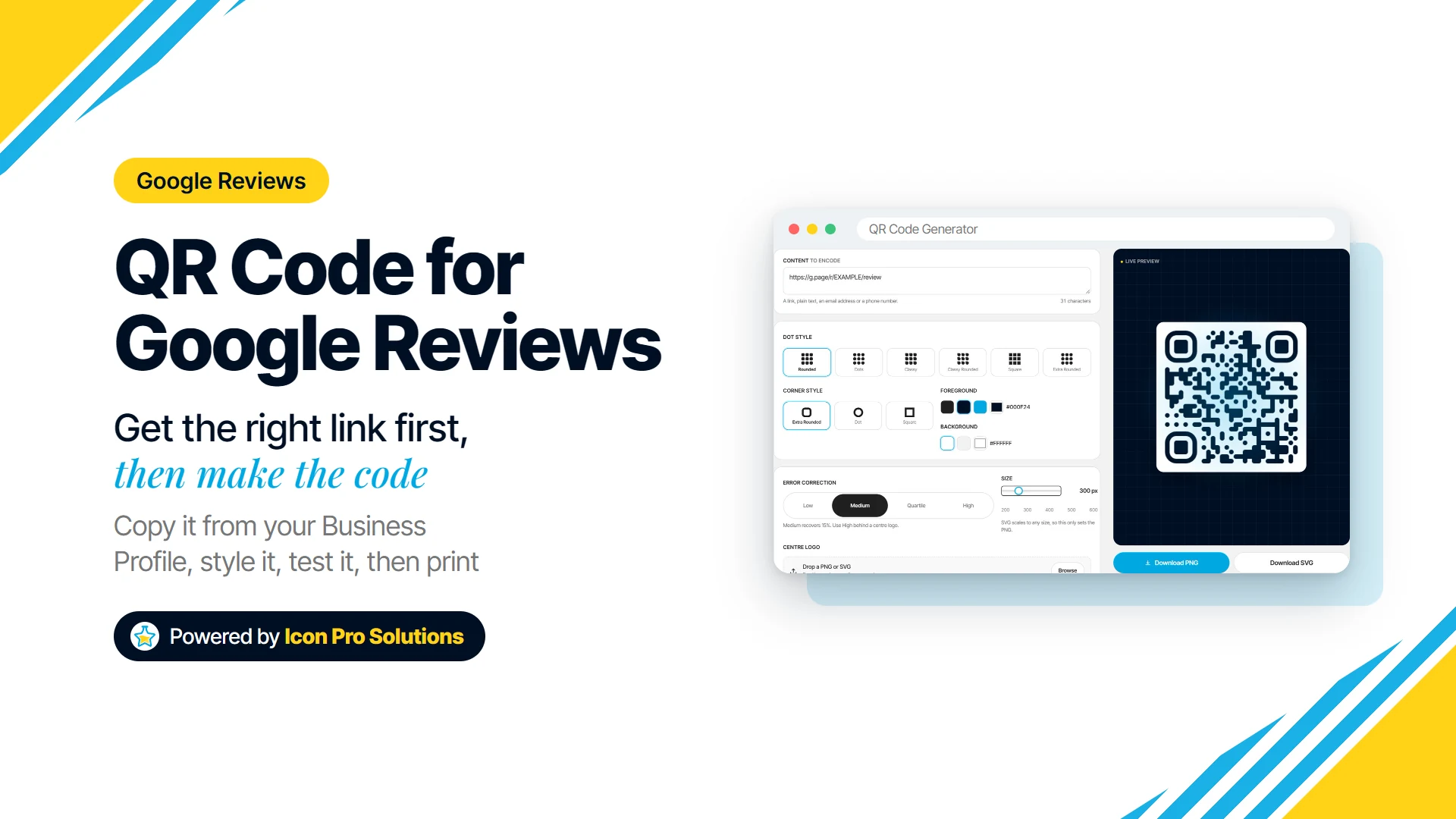
A dynamic code is different: it keeps working only while the service keeps its redirect running. The free QR Code Generator makes static codes, encoding your content into the pattern itself rather than pointing it at a redirect somebody else controls.
Why Does QR Code Traffic Show Up as Direct?
Untagged QR traffic usually lands in Direct, because a printed code sends no referrer. Google’s guide to campaigns and traffic sources explains that “A session is processed as direct traffic when no information about the referral source is available, or when the referring source or search term has been configured to be ignored.”
Paper has no referring website, so GA4 has nothing to go on. UTM parameters give it the source, medium and campaign that the paper cannot.
How Do You Track QR Code Scans in Google Analytics?
Tag the landing page URL with UTM parameters, turn that exact URL into a static QR code, and read the visits in GA4’s Traffic acquisition report. Here are the steps.
- Pick the landing page. Send people to the page that matches the offer on the print, not just your home page.
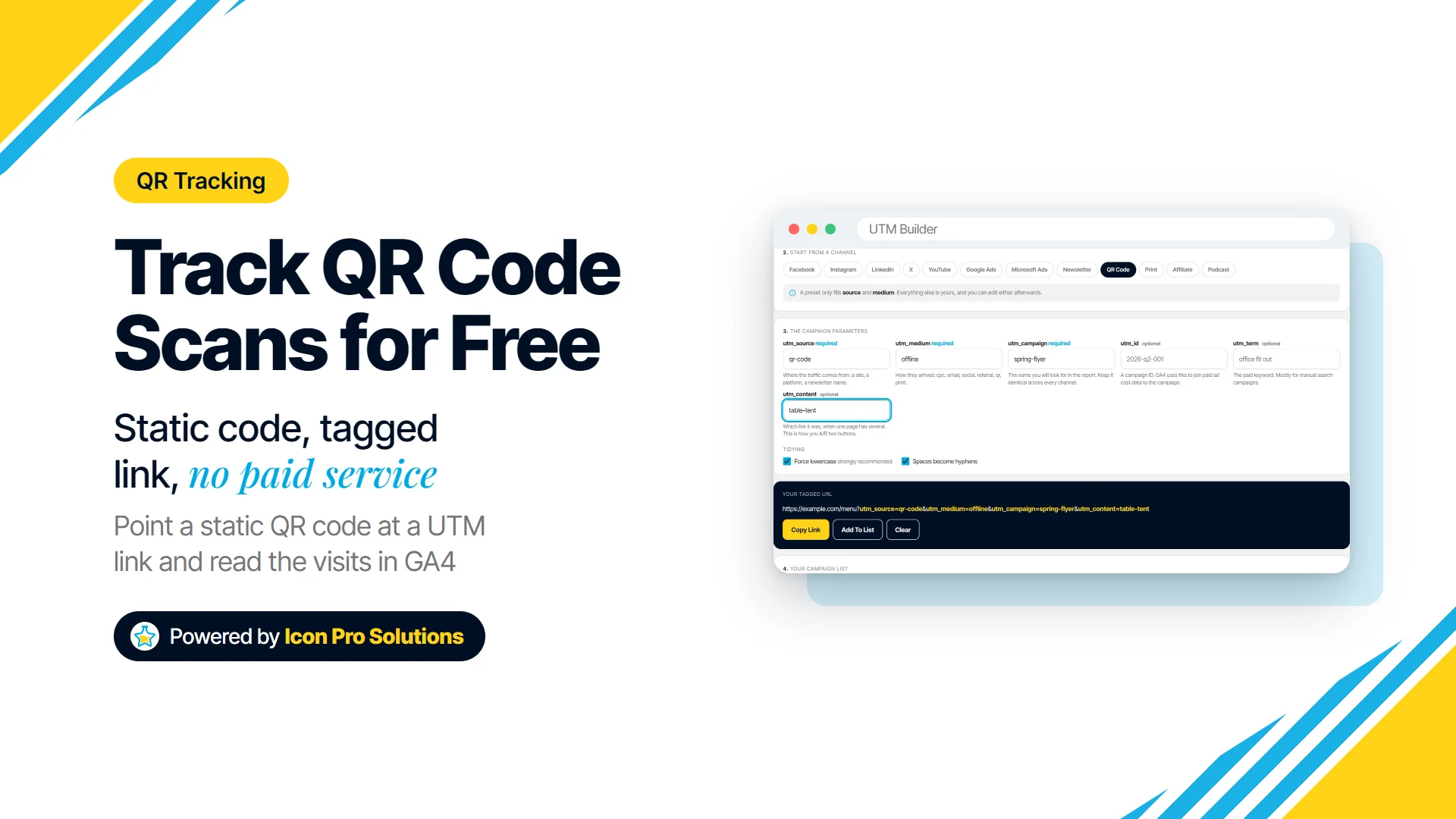
- Build the tagged link. Paste the page into the UTM Builder and click the QR Code preset, which fills source
qr-codeand mediumoffline. Add a campaign name such asspring-flyer, and autm_contentvalue for the placement. - Copy it into the QR Code Generator. Click Copy Link, then paste the URL into the generator’s Content box. The two tools do not pass the link between them, so paste the whole thing.
- Download and test. Use SVG for print, because it scales to any size, then scan the code with a phone and check that the page opens with the parameters in the address bar.
- Read the report. In GA4, go to Acquisition, then Traffic acquisition, and look at Session source/medium or Session campaign.
The finished link looks like this:
https://example.com/menu?utm_source=qr-code&utm_medium=offline&utm_campaign=spring-flyer&utm_content=table-tentGoogle’s rule is simple: “When you add parameters to a URL, you should always use utm_source, utm_medium, and utm_campaign.” The UTM Builder will not produce a link until all three are filled in.
Keep Every Value Lowercase
Google warns that “Parameter values are case sensitive, e.g. utm_source=google is different from utm_source=Google.” If one flyer says Spring-Flyer and another says spring-flyer, your report splits into two rows.
The UTM Builder has Force lowercase and spaces-to-hyphens switched on by default for exactly this reason. It also places the parameters before any #section in your URL and replaces old utm values instead of adding a second set.
Use One Code per Placement
If the same code goes on a flyer, a poster and your packaging, GA4 can only tell you the total. Give each placement its own utm_content value, such as flyer, poster or box-insert, and print a separate code for each.
The UTM Builder’s Add To List keeps every link you build, and Download CSV saves them with one column per parameter. That file becomes your record of which printed code carried which name.
Why Does My QR Campaign Show as Unassigned?
The medium offline matches none of GA4’s default channel rules, so channel reports file those visits under Unassigned. Google’s default channel group page defines it this way: “Unassigned is the value Analytics uses when there are no other channel rules that match the event data.”
Your data is not lost. Switch the report to Session source/medium or Session campaign and the qr-code / offline rows are all there, or build a custom channel group in GA4 if you want print in its own channel.
What Does This Free Method Not Tell You?
This method counts visits, not scans, and that gap matters when you read the numbers. Someone who scans and closes the tab before the page loads, or whose browser blocks the analytics tag, never shows up.
There are three more limits to plan for:
- GA4 must be installed on the landing page, or the tagged link records nothing. If your site runs on WordPress, see what to install on a WordPress site, including the analytics connection.
- You cannot re-point a printed static code. If that page is deleted, or moved without a redirect, the code breaks, so check the URL before the print run. For flexibility, point the code at a short path on your own domain and set up a redirect from it to the tagged URL, which you can change later.
- Tags make the code denser. A longer URL packs more modules into the pattern, so keep campaign values short, print the code large enough, and test it at the real size.
When Is a Paid Dynamic QR Service Worth It?
A paid dynamic service earns its cost when you must change the destination after a large print run, or want scan counts without running your own analytics. If you are printing thousands of boxes with a long shelf life, being able to re-point the code can be worth the fee.
For most flyers, menus and signs, the free method gives you the answer that matters: did this piece of print bring people to the page? If you want help planning which campaigns to tag and what to measure, our digital content strategy work covers it, or you can book a free consultation.
FAQs
Will Visitors See the Tracking Tags?
Yes, the parameters appear in the address bar after the page opens. They do not change what the page shows, but test the tagged URL in a browser before printing to confirm it loads normally.
What if My Landing Page URL Already Has a # or a Question Mark?
Paste it into the UTM Builder exactly as it is. The builder keeps your existing parameters and any #section, places the utm values where analytics can read them, and replaces old utm values rather than duplicating them.
Can You See Who Scanned a QR Code?
Not with this method. The QR Code Generator’s codes do not count scans or record anything about the person scanning, and what you see in GA4 is visits and their source, not who made them.
Will a Logo in the Middle Stop the Code From Scanning?
It can, because a logo covers part of the pattern. The QR Code Generator raises error correction to High automatically when you add a logo; keep the logo small and test-scan the printed size.