


Day 20: A project to work on using photoshop
Let’s Recap! In the last blog, we discussed the potential, possibilities, and limitations of Adobe Photoshop in crafting captivating user interfaces. Bloop also guided how can photoshop be used in your design journey in a better way. Now let’s dive into the design mini-project. Import your image into photoshop 2. Download free snow effect […]
Day 19: Why photoshop, possibilities and limitations
Lets Recap! In the last blog we introduced our 2nd design tool of the UI design series and had a short discussion about it. Now Lets Dive into todays discussion and navigat the Possibilities and Limitations of Photoshop in UI Design. Choosing the appropriate tools might be equivalent to setting out on a hunt for […]
Day 18: Introduction to Adobe Photoshop
Lets Recap! In the last log, we designed a mobile application interface in just 5 easy steps in Figma design that can get you started with your hands-on practice design journey Now let’s dive into another design tool. In the ever-evolving realm of digital design, one name stands out like a beacon of creativity: Adobe […]
Day 17: Let’s design a mobile interface in minutes using Figma
Lets Recap! In the last blog, we learned some super cool Figma shortcuts and discussed the efficiency of designing through keyboard shortcuts as well. Bloop uses all these shortcuts, and they make his work easy and efficient. Which shortcut did you find most handy? Now let’s dive into a mini project with Bloop to design […]
Day 16: Mastering Shortcuts for Seamless Design
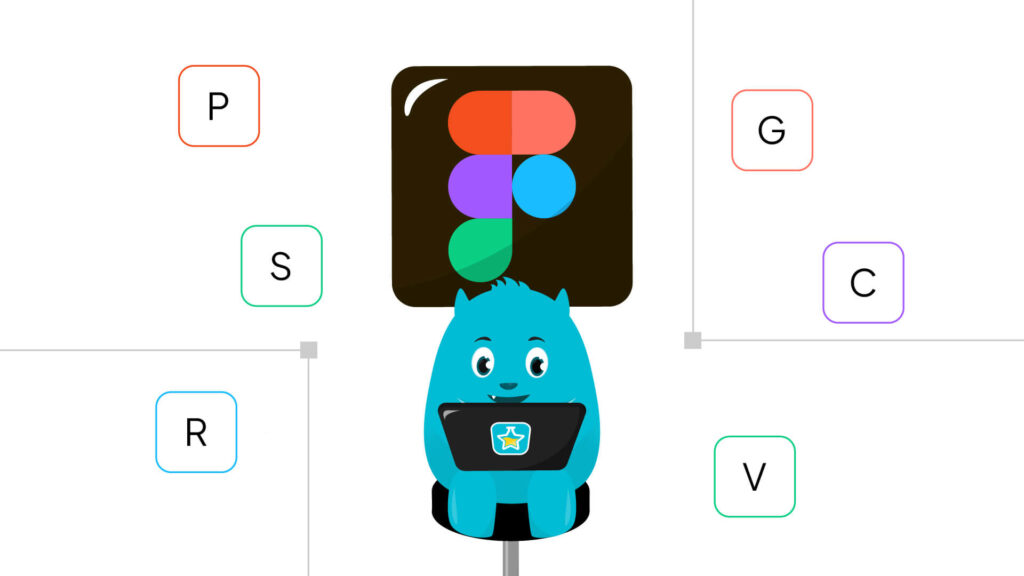
Lets Recap! In the last blog, we discussed the power of Figma plugins and Bloop listed some plugins for you to explore. Which plugin did you find useful? Did you explore any other plugins? Now let’s dive into design shortcuts today. Taking Advantage of Keyboard Shortcuts Time is of the essence in the busy world […]
Day 15: Exploring the Power of Figma Plugins
Lets Recap! In the last blog, we discussed the possibilities and limitations of Figma. Though every tool has its benefits and drawbacks, but Bloop highly recommends Figma for UI designing due to all the features mentioned in the previous blog. Now let’s dive into the design discussion. Harness the Power of Plugins Within the dynamic […]
Day 14: Why Figma, possibilities and limitations
Lets recap! In the last blog we met Figma, the user-friendly design software that’s taking the creative world by storm. We discovered the difference between Figma design and Fig jam And understood that they are Allies, Not Rivals and the perfect pair for designing. Unveiling the Marvels of Figma: A Designer’s Dream Are you prepared […]
Day 13:Introduction to Figma, Figma design Vs Fig jam
Lets recap! In the last blog we discussed about prototypes, low-fi and high- fi designs. We learned their differences as well as a quick example. Now lets dive into design as today, we’re going to unravel the mystery between two closely named but vastly different platforms: Figma and FigJam. The Powerhouses: Figma and FigJam Let’s […]
Day 12: Navigating Low vs High Fidelity Designs | Rough Drafts to Polished Gems
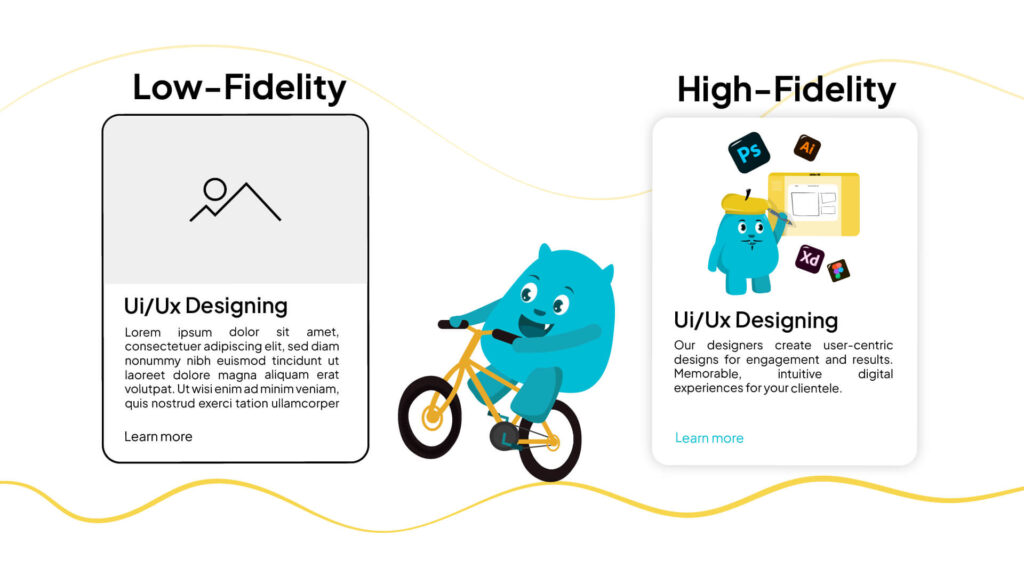
Let’s Recap! In the last blog, we discussed some design tips that make your design projects uniform and help standardize things by crafting the blueprint and streamlining your own designs as well as utilizing reusable headers and footers. Now Let’s Dive into Design…. Demystifying Prototypes: From Lo-Fi to Hi-Fi Now let’s speak about fidelity, the […]
Day 11: Bloop’s experienced tips and suggestions for new designers!
Let’s recap! In the last blog, we discussed the importance of building custom designs and providing tailored solutions as they enhance user experience. Proceeding further, bloop wants to share some design tips that make your design projects uniform and help standardize things. Lets dive into the topic. Streamlining Design | The Power of Reusable Global […]