Recap
In the last blog, we learned some super cool Figma shortcuts and discussed the efficiency of designing through keyboard shortcuts as well. Bloop uses all these shortcuts, and they make his work easy and efficient. Which shortcut did you find most handy?
Designing a login page in Figma
Now let’s dive into a mini project with Bloop to design a login page in a few super simple steps.
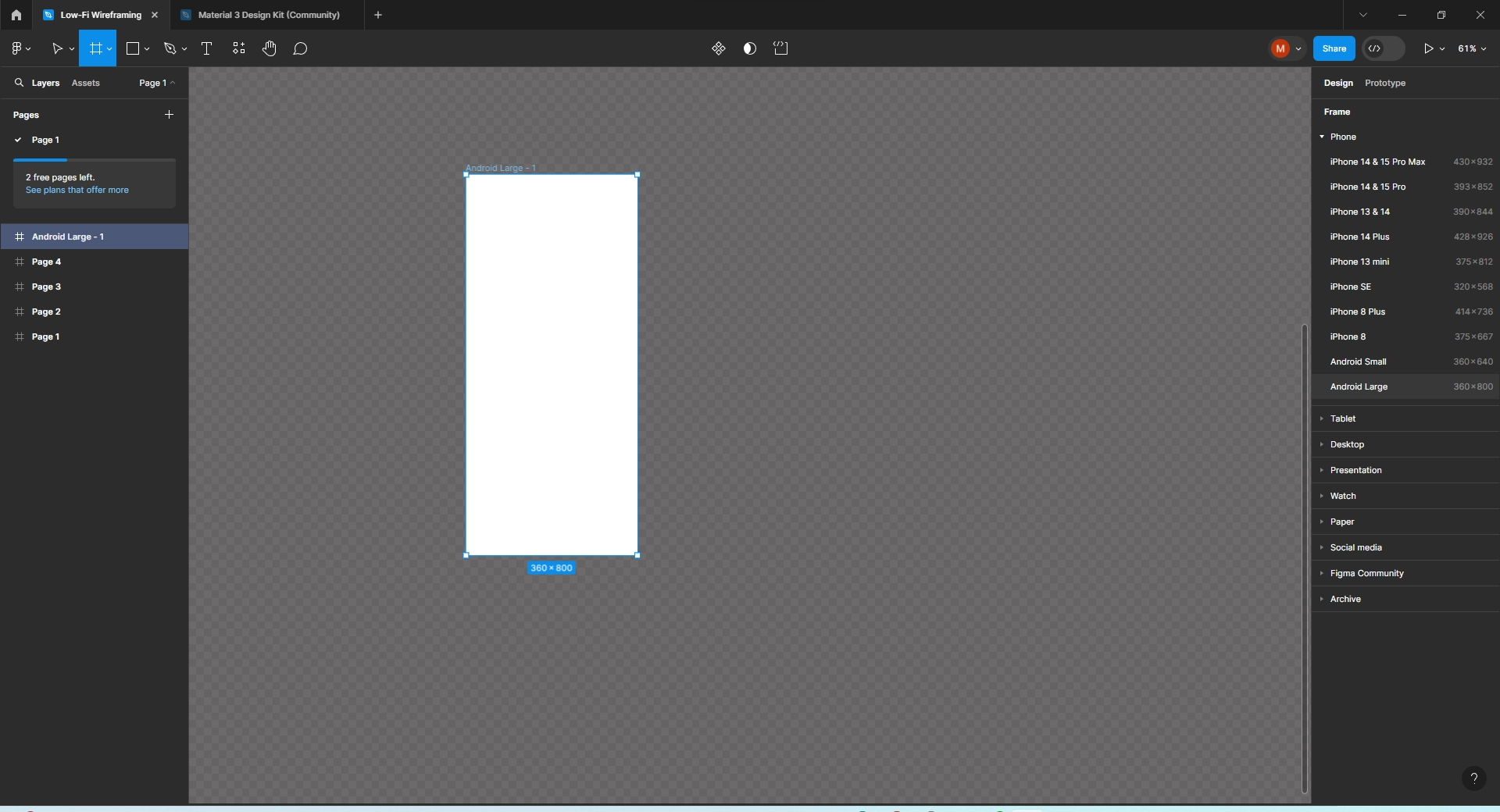
- Create a frame in Figma of your choice.
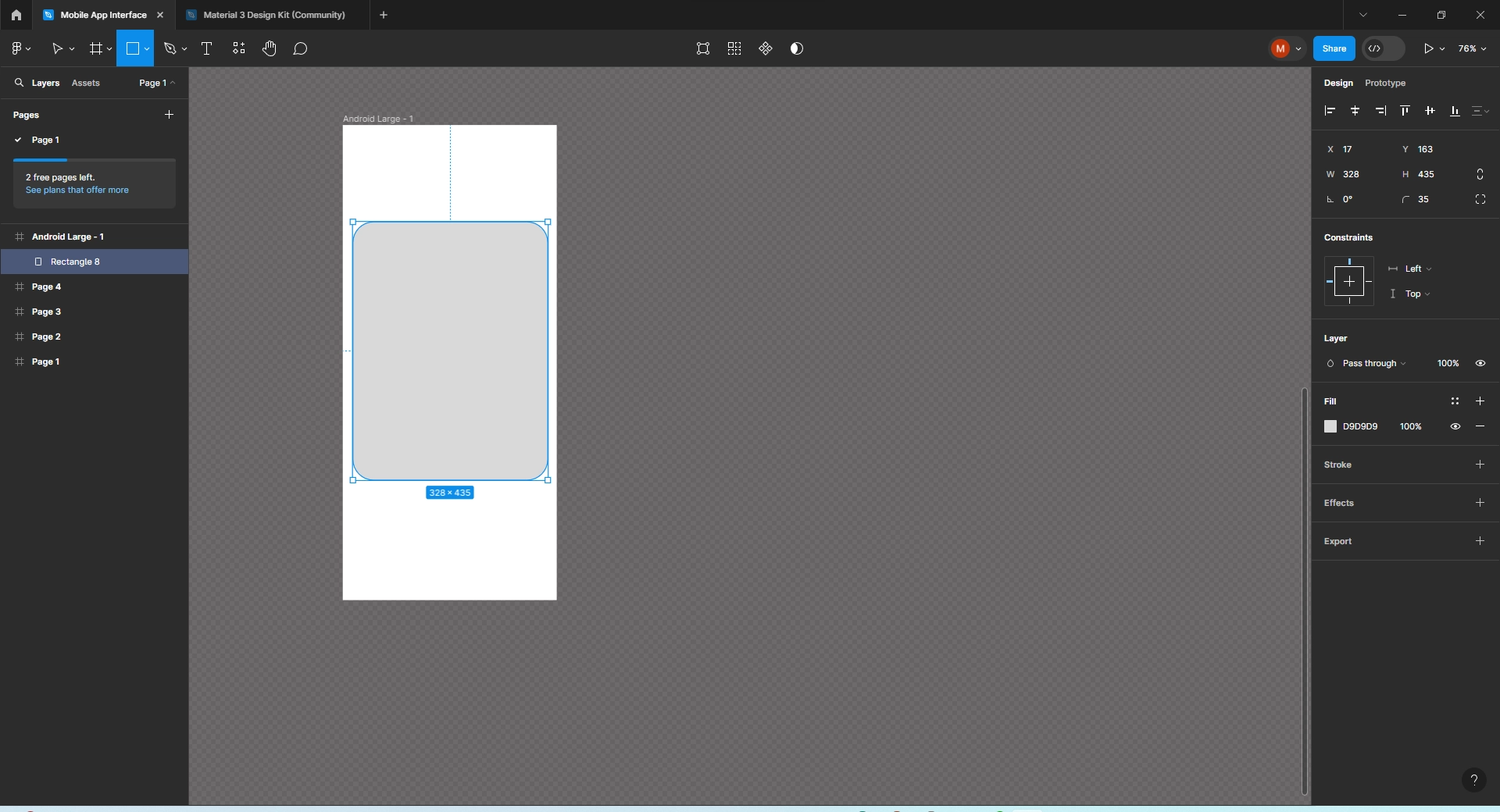
 2. Now create a base structure in the frame using a rectangle.
 3. Now create a basic structure layout using rectangles for your page design
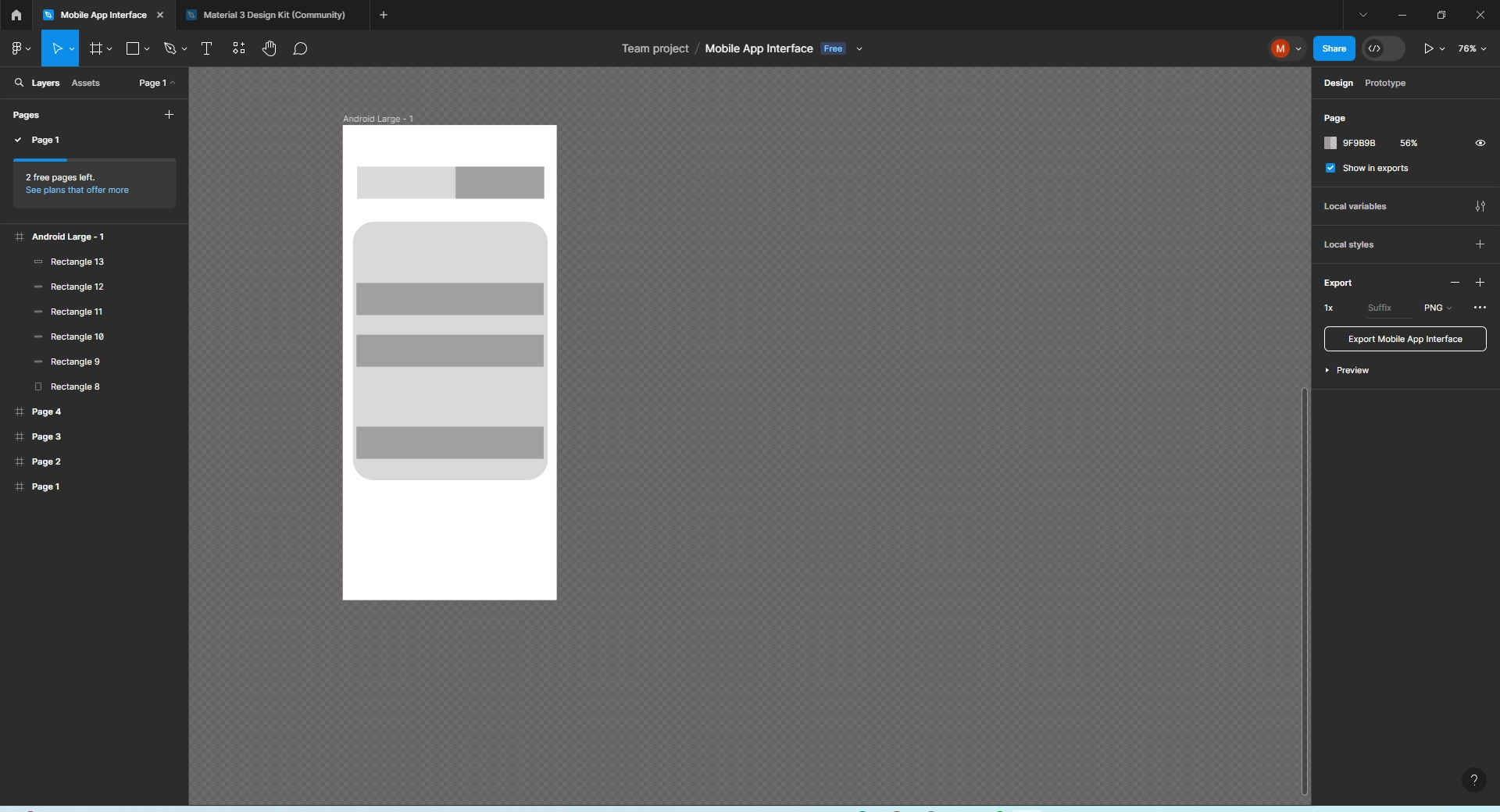 4. Now create a basic structure layout using rectangles for your page design
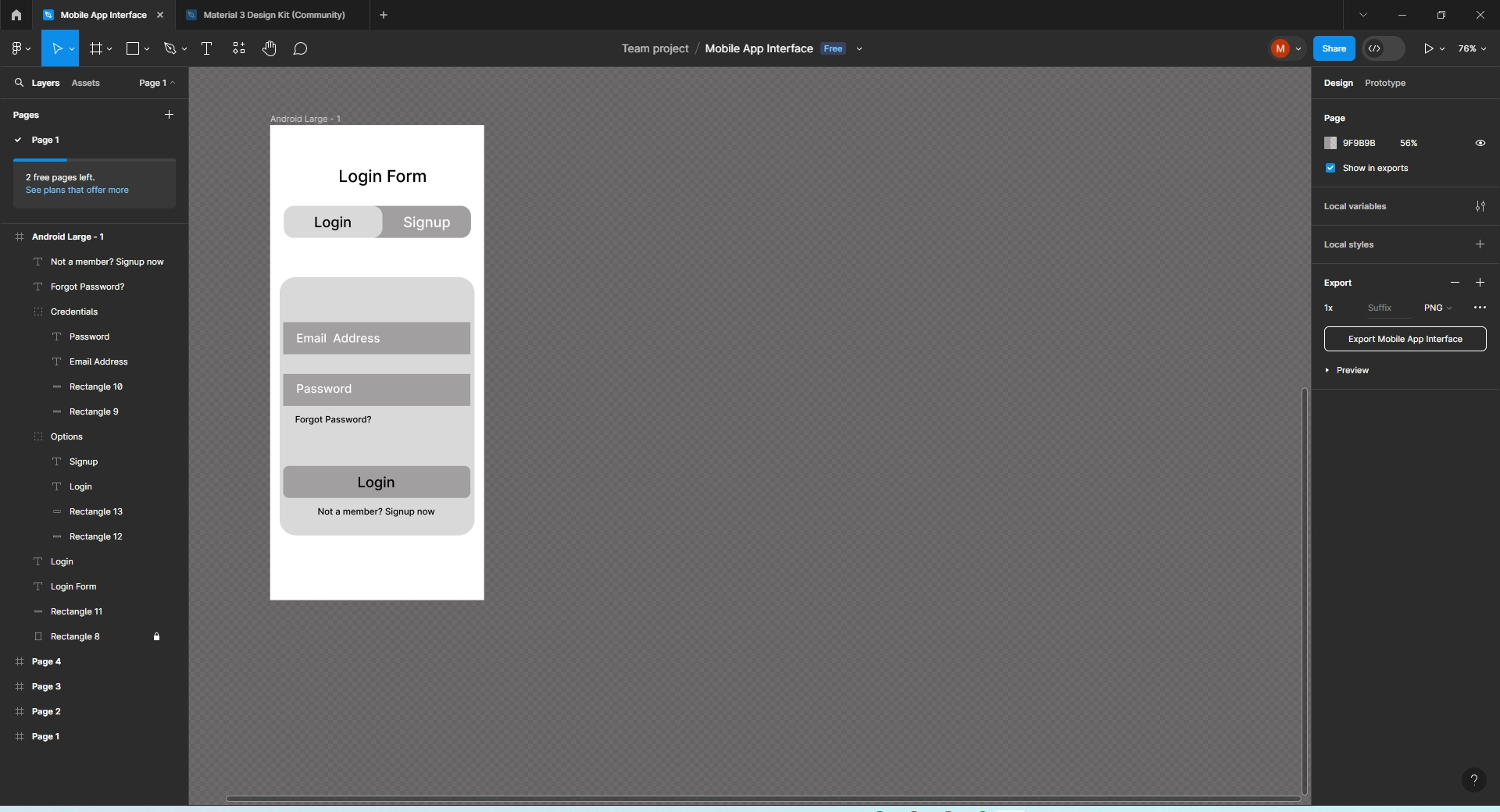 5. Now complete your design by adding colors to it, and its ready!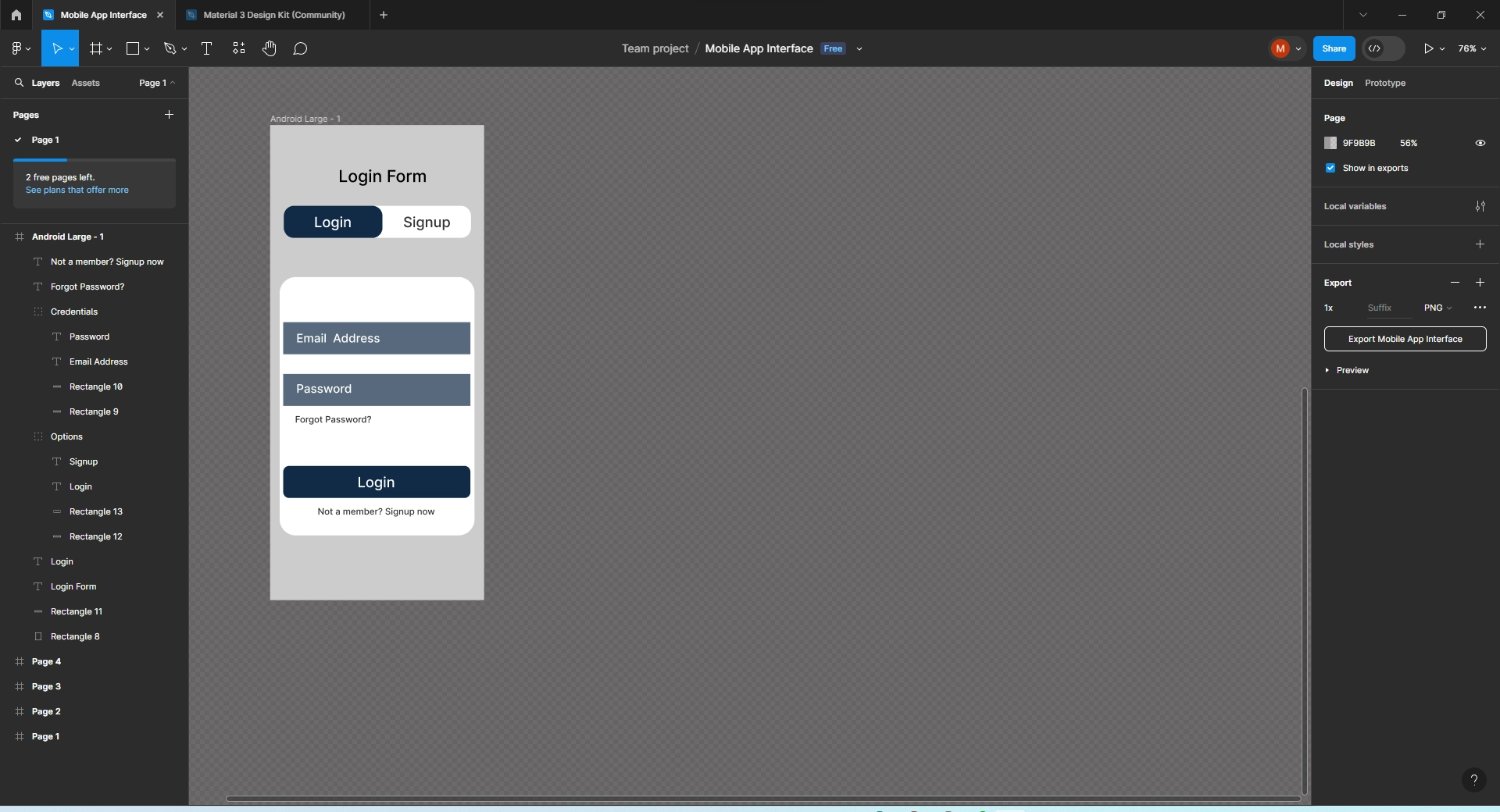
Stay connected with us for the latest updates and insights on software development trends. Follow us on social media and visit our website for more!”
???? Website: Icon Pro Solutions
???? LinkedIn: Icon Pro Solutions on LinkedIn
???? Facebook: Follow us on Facebook
???? Dribbble: See our work on Dribbble
???? Instagram: Follow us on Instagram