


Day 30:Course Wrap-Up | Mapping Your Next Steps
Let’s recap! In the last blog, we discussed how to Stay ahead of the curve in design with Bloop’s tips! From industry blogs to collaboration, discovering how to navigate the ever-changing world of trends effortlessly and stay competitive in the world of design. Now let’s wrap up your design journey with Bloop. You have come […]
Day 29: Ahead of the Curve | Staying Up-to-Date in the Design Industry
Let’s recap! In the last blog, we discussed the role of AI assistance in design. Bloop navigated you to a unique strategy for having a design critique and buddy that can help you across various industries to provide a better user experience. Now let’s discuss the final topic and complete your design journey with Bloop. […]
Day 28: Designing with Intelligence | The AI Advantage
Let’s recap! In the last blog, we went from imaginations to profitable actual projects in the world of design while taking inspiration for your projects. Bloop briefly highlighted how your inspirations can help you design real-world beneficial projects. Now let’s dive into a completely new discussion to guide you further in your journey. Power of […]
Day 27: From Imagination to Profit, Navigating Design Inspirations
Let’s Recap! In the last blog, we focused on portfolio building and its key factors. Loop highlighted the importance of showcasing the portfolio the right way along with some key points that must be included. Now let’s delve into today’s discussion and discover how and where to find design inspirations. With Bloop, we’re embarking on […]
Day 26: The Art of Portfolio Building | Blueprint for Success
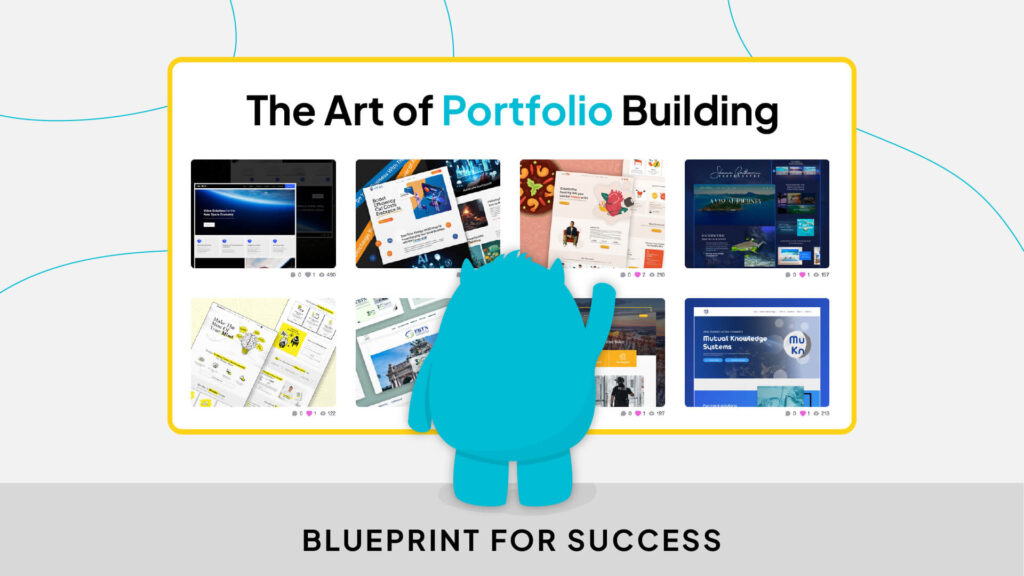
Let’s Recap! In the last blog, we discussed the power of design documentation! From user stories to final designs, Loop helped streamline your design process and showcase your creativity. Now let’s unlock the secrets to crafting a captivating portfolio that will leave a lasting impression on potential employers and fellow designers alike. Crafting Compelling Case […]
Day 25: Documentation and Design Side by Side
Let’s Recap! In the last blog, bloop shared the secrets of Photoshop & Illustrator with must-know tricks & shortcuts to elevate your design game & streamline your workflow. So far, we have explored a lot in design now it’s time to document your design and design journey. Now let’s dive into today’s topic and discuss […]
Day 24: Cool Photoshop & Illustrator tricks and shortcuts you must know
Lets Recap! In the last blog, we worked on a simple mini project in Adobe Illustrator. Bloop used just 8 easy steps demonstrating the magic of hands on practice projects by creating your first logo. Now let’s dive into today’s discussion and discuss some cool tips and shortcuts that will elevate your design journey and […]
Day 23: A project to work on using Illustrator
Lets Recap! In the last blog, we discussed some limitations and possibilities of working with Adobe Illustrator. Bloop also highlighted the Illustrator’s potential for creativity and invention in the journey of UI design. Now let’s dive into design by working on a mini project using this amazing tool. Select rectangular shape 2. Create a […]
Day 22: Why illustrator, possibilities and limitations
Let’s Recap! In the last blog, Bloop introduced Adobe Illustrator, a bit of its history, some of its features and uses. Now let’s dive into design by discussing the limitations and possibilities of Adobe Illustrator. Why Adobe Illustrator: Exploring Possibilities and Limitations Adobe Illustrator is the go-to tool for designing amazing user interfaces (UI) and […]
Day 21: Introduction to Adobe Illustrator
Let’s Recap! In the last blog, we worked on a simple mini project in Adobe Photoshop. Blooop using some easy steps demonstrated the magic of hands-on practice projects. Now let’s dive into design by introducing Adobe Illustrator in your design journey. Unleash Your Creativity: The Magic of Adobe Illustrator Adobe Illustrator can be your ultimate […]