Recap
In the last blog, we discussed the potential, possibilities, and limitations of Adobe Photoshop in crafting captivating user interfaces. Bloop also guided how can photoshop be used in your design journey in a better way.
The Photoshop mini project, step by step
Now let’s dive into the design mini-project.
- Import your image into photoshop
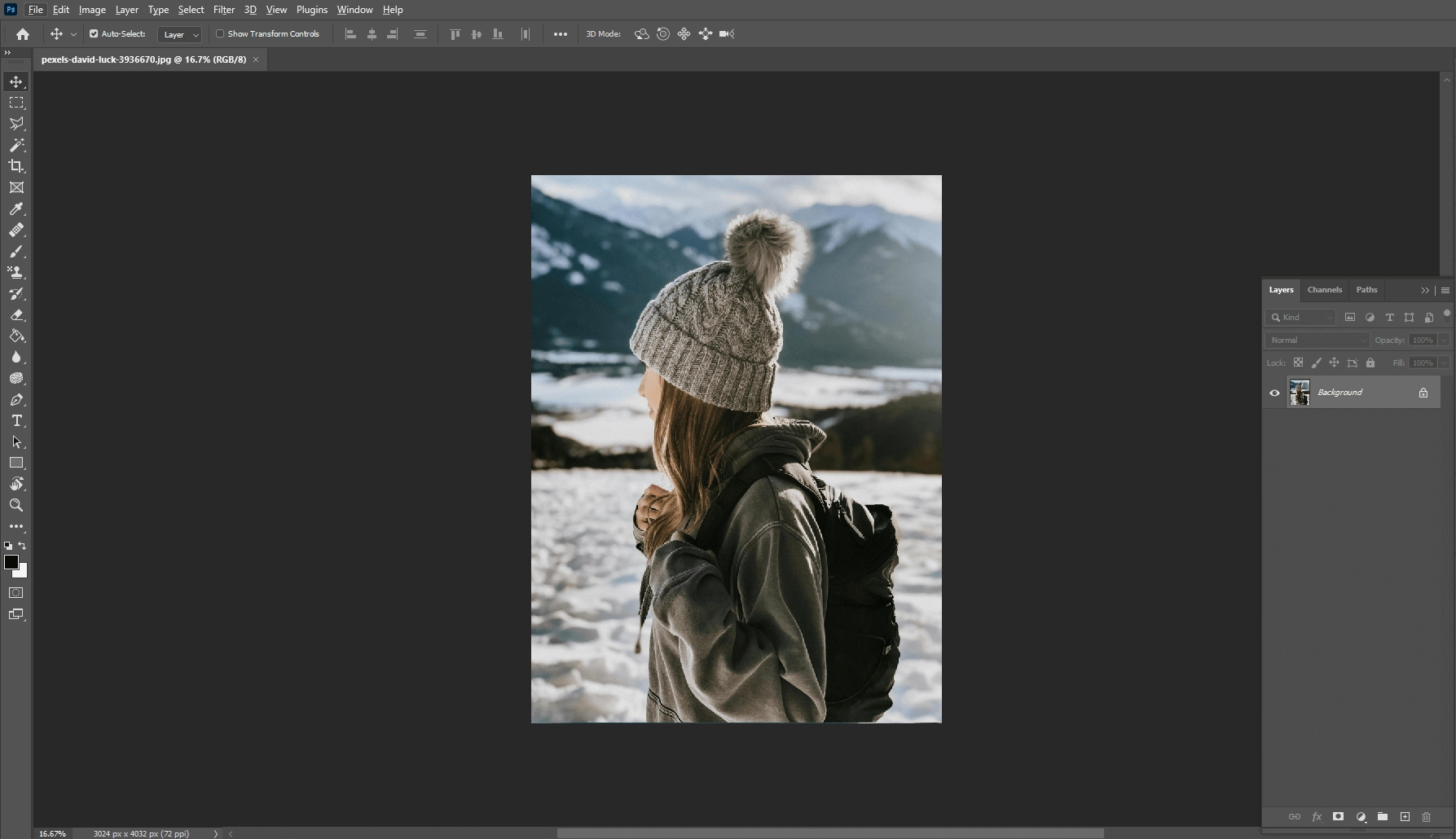 2. Download free snow effect from google
 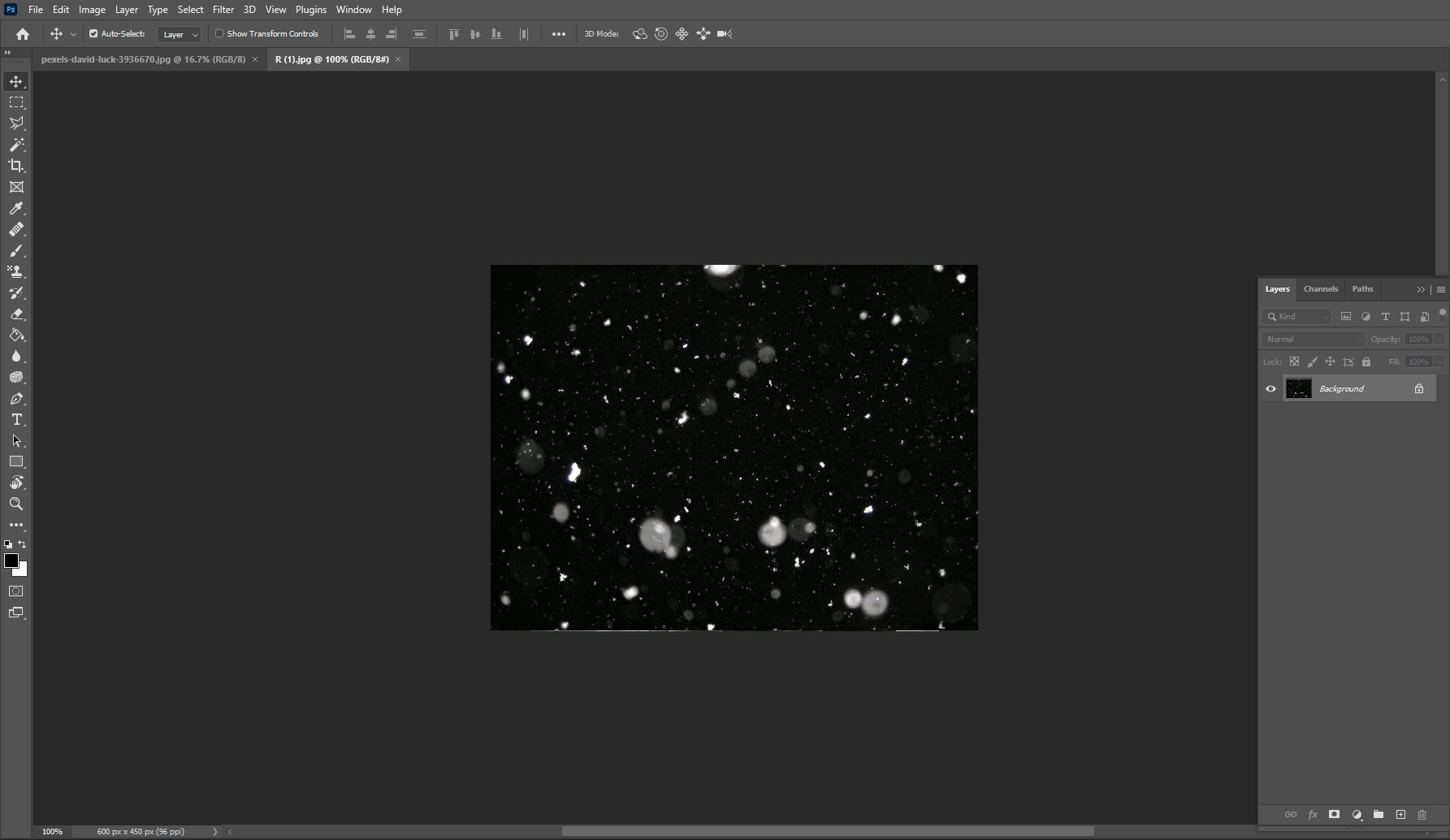 3. Drag that effect on your image
 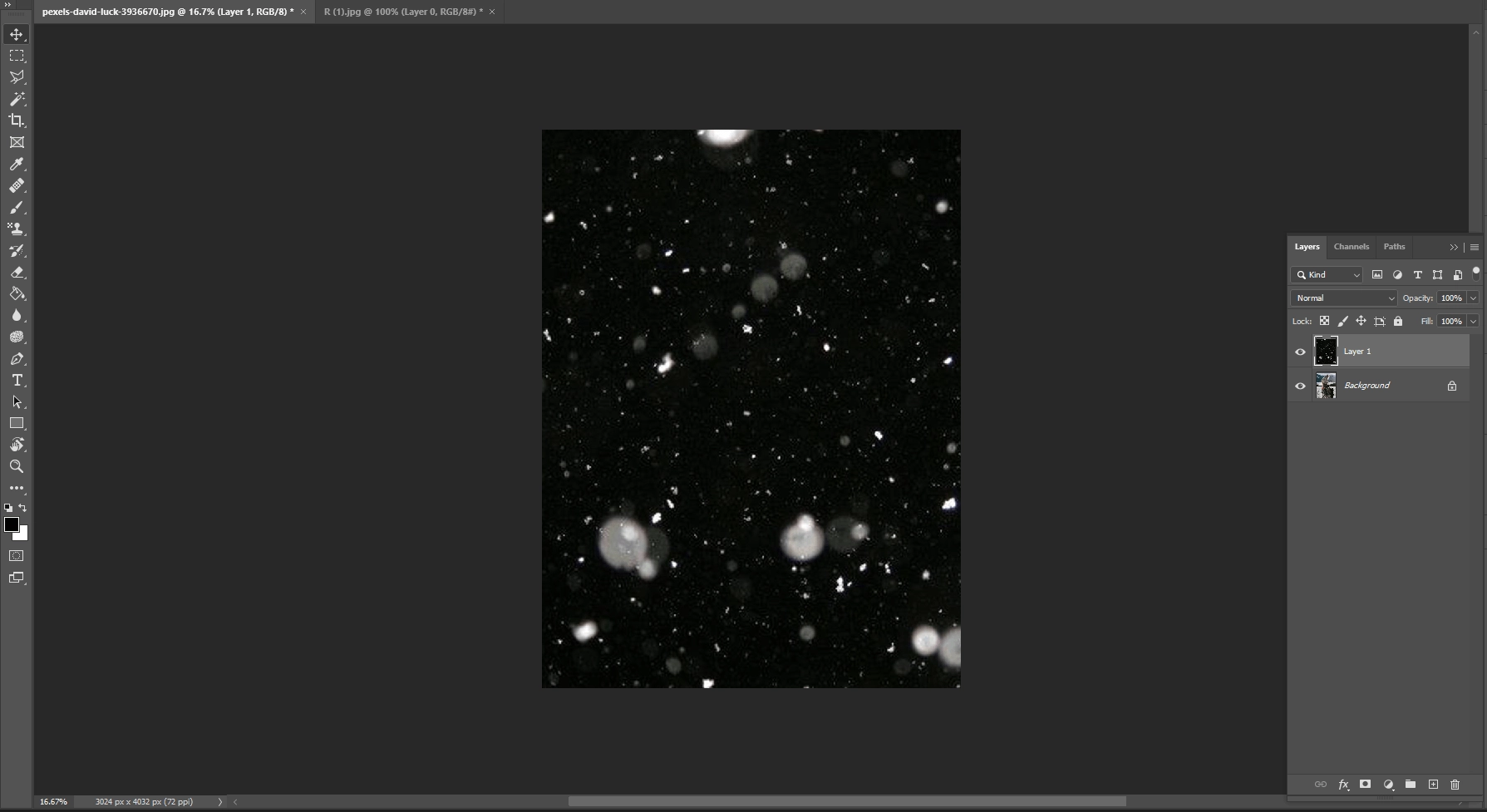 4. Change layer type from normal to screen
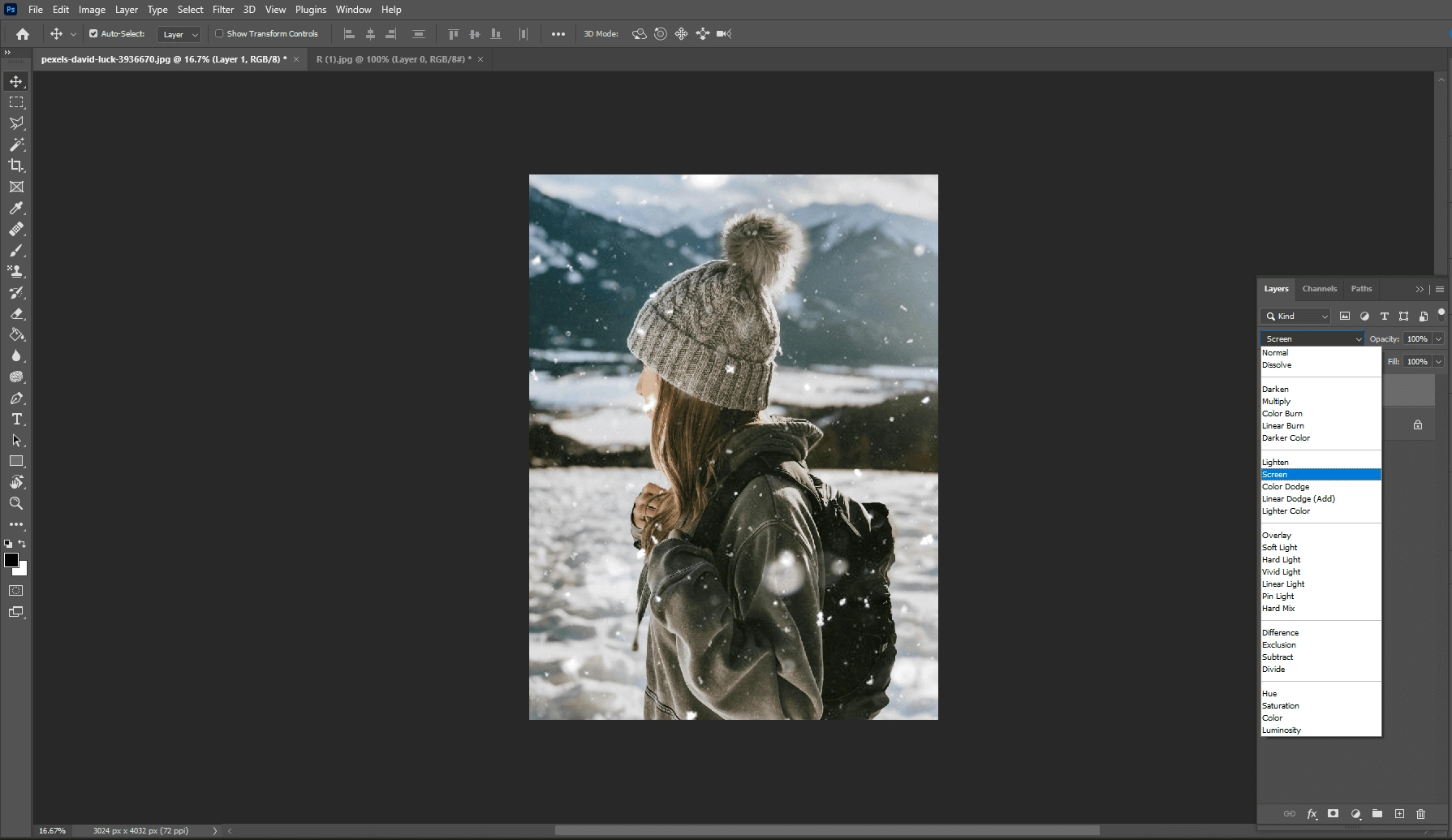 5. Apply the motion blur effect from the filter menu
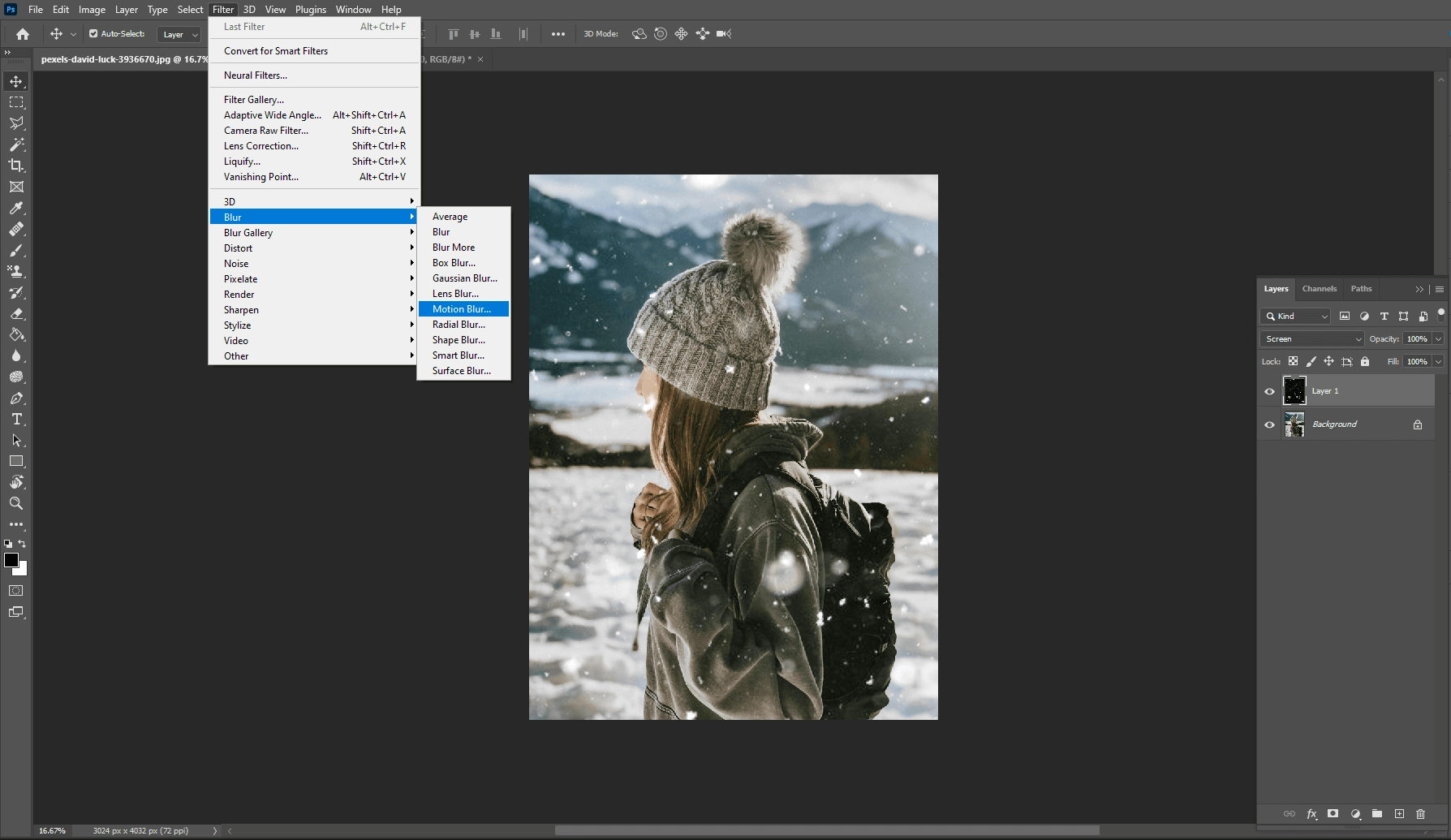 6. Change blur adjustment based on your preference
 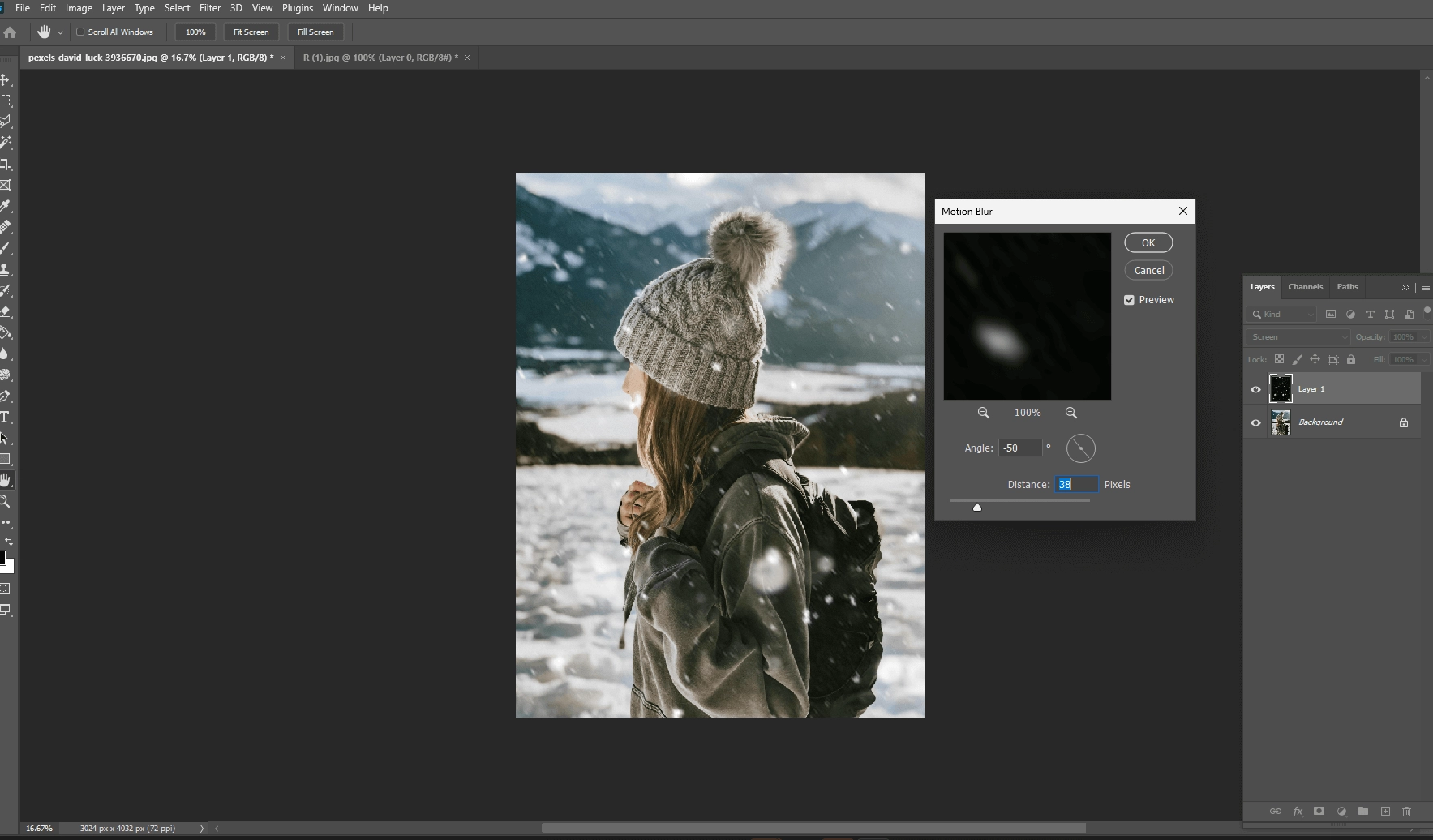 7. Here you go. Your image is ready.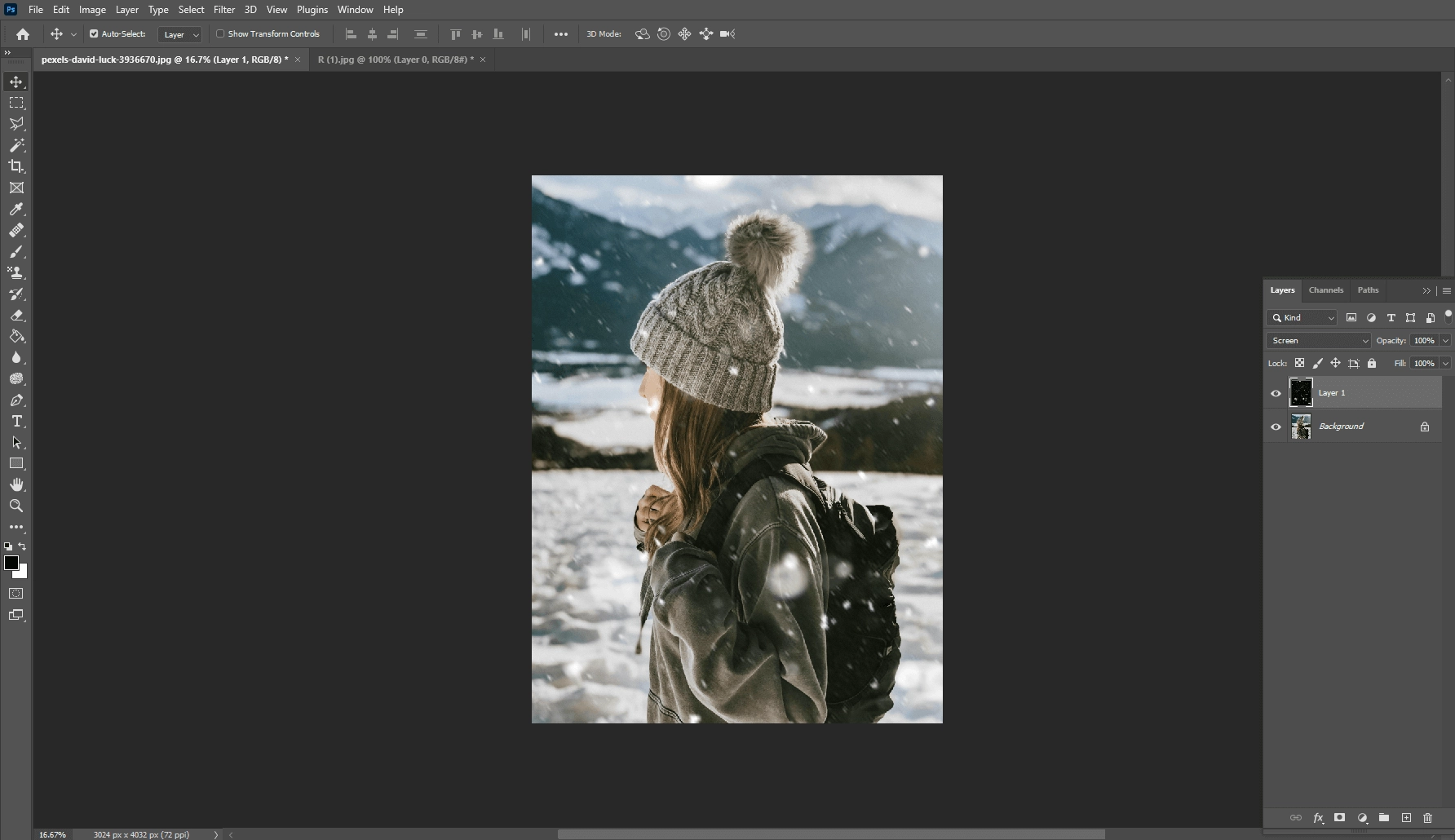
Stay connected with us for the latest updates and insights on software development trends. Follow us on social media and visit our website for more!”
???? Website: Icon Pro Solutions
???? LinkedIn: Icon Pro Solutions on LinkedIn
???? Facebook: Follow us on Facebook
???? Dribbble: See our work on Dribbble
???? Instagram: Follow us on Instagram