



Figma Pricing: A Clear Guide to Choosing the Right Plan
If you’ve searched for Figma pricing, you’re likely comparing design tools or trying to budget for your team. Good news—Figma has flexible pricing for individuals, teams, and large organizations. In this guide, we’ll walk you through each plan and who it’s best for.
What Is Figma Pricing Based On?
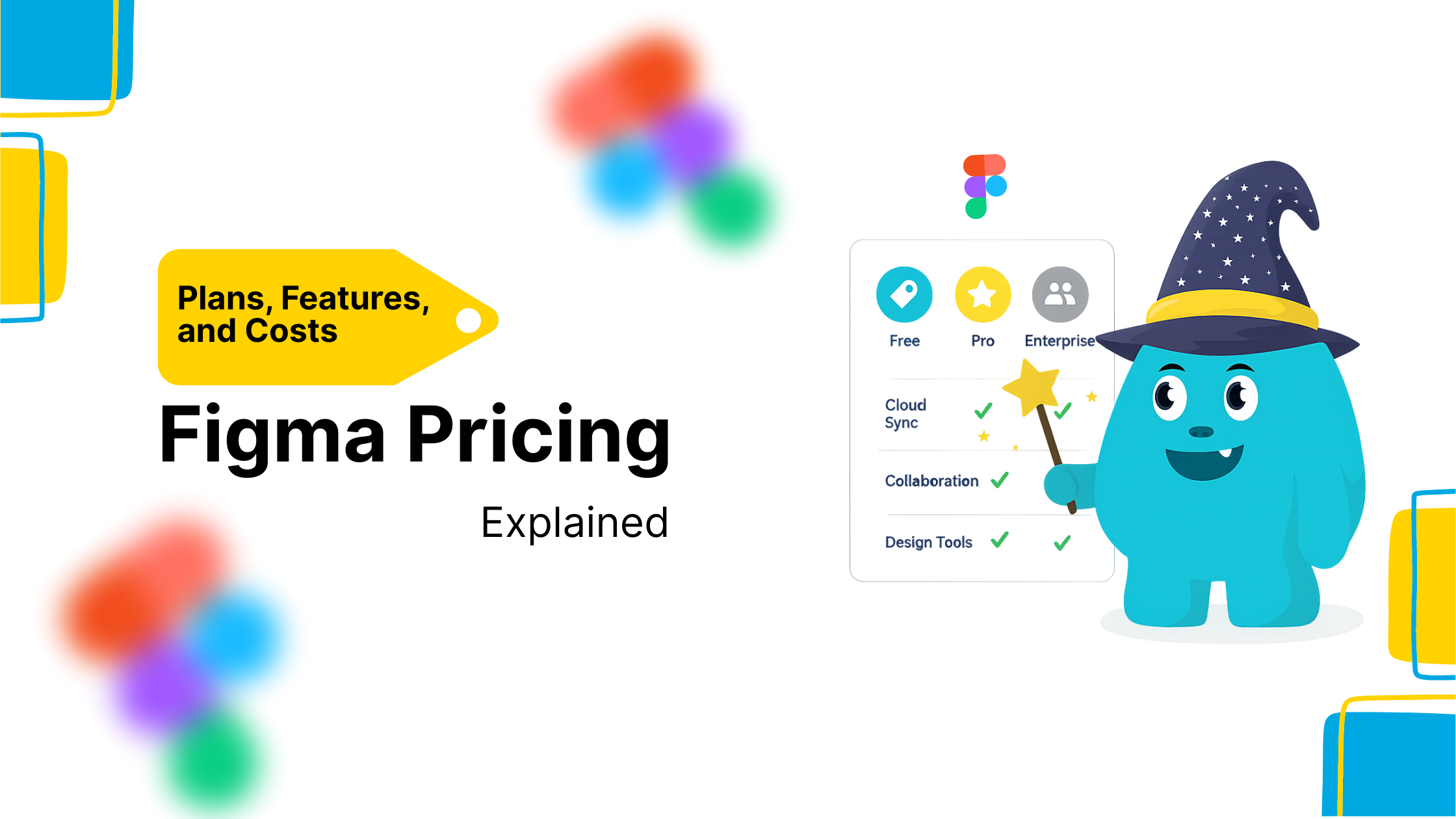
Figma’s pricing model is based on how many team members actively edit design files. You’re not charged for viewers or commenters. Each tier unlocks specific features designed to support your workflow—whether you’re freelancing or managing a design system across teams.
Free Plan: Start Designing with Zero Cost
The Free Starter Plan is best for solo designers or learners. Here’s what you get:
-
Unlimited personal files
-
3 team project files
-
Unlimited collaborators (viewers and commenters)
-
Unlimited FigJam files
-
Plugins and community access
-
30-day version history
If you’re just exploring the tool or freelancing with light client work, this plan gives you all the essentials.
Professional Plan: Built for Small Design Teams
The Professional Plan costs $12/editor/month (billed annually). This plan includes:
-
Unlimited team files
-
Custom permissions
-
Team libraries
-
Shareable components
-
Extended version history
-
Private projects
This is ideal for freelancers who collaborate often or agencies running multiple design projects at once.
Organization Plan: Scale Your Design System
For growing companies, the Organization Plan at $45/editor/month (billed annually) adds:
-
Centralized design systems
-
Shared fonts
-
Advanced analytics
-
Org-wide permissions
-
Branching and merging
-
SAML SSO authentication
If you’re a design lead overseeing brand consistency or managing cross-functional teams, this plan helps you maintain control at scale.
Enterprise Plan: For Full Control and Compliance
The Enterprise Plan offers custom pricing for large organizations with strict security and workflow needs. It includes:
-
Plugin management
-
Audit logs
-
SCIM provisioning
-
Dedicated customer success
-
Admin-only controls
-
Custom SLAs
This plan suits companies with multiple teams, international operations, or compliance requirements.
FigJam Pricing Overview
Figma’s collaborative whiteboard tool, FigJam, has its own pricing tiers:
-
Free: Up to 3 editors
-
Professional: $3/editor/month
-
Organization: $5/editor/month
Great for brainstorming, mind mapping, team retros, or visual planning.
Which Figma Pricing Plan Is Best?
Choose the Free Plan if you’re just starting or working alone.
Upgrade to Professional if you need better file management and team collaboration.
Go with Organization or Enterprise if your design ops need serious control, libraries, and security.
Each plan is designed to grow with your needs, and you can always test new features before committing.